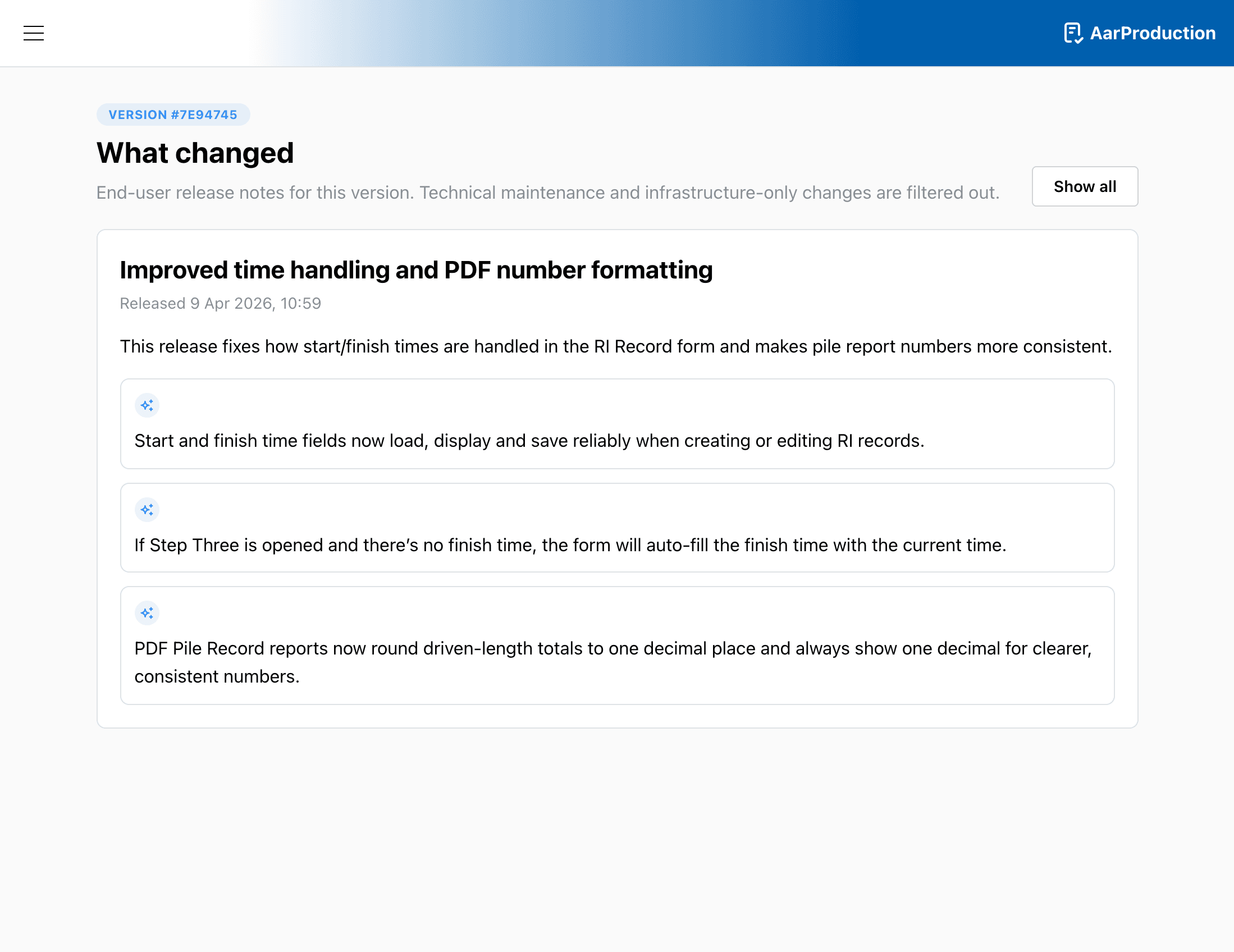
Release Notes
Use the release notes page to review user-facing changes that have already been deployed.
What you can do here
- Browse older releases
- Open a release entry to read the summary for that version
- Move between release history pages when more items are available
When to check it
- After a rollout if you want to see what changed
- When a teammate mentions a new feature and you want the short user summary
Note
Release notes are intended to summarise user-facing changes. They are the quickest place to check what has changed without reading technical detail.