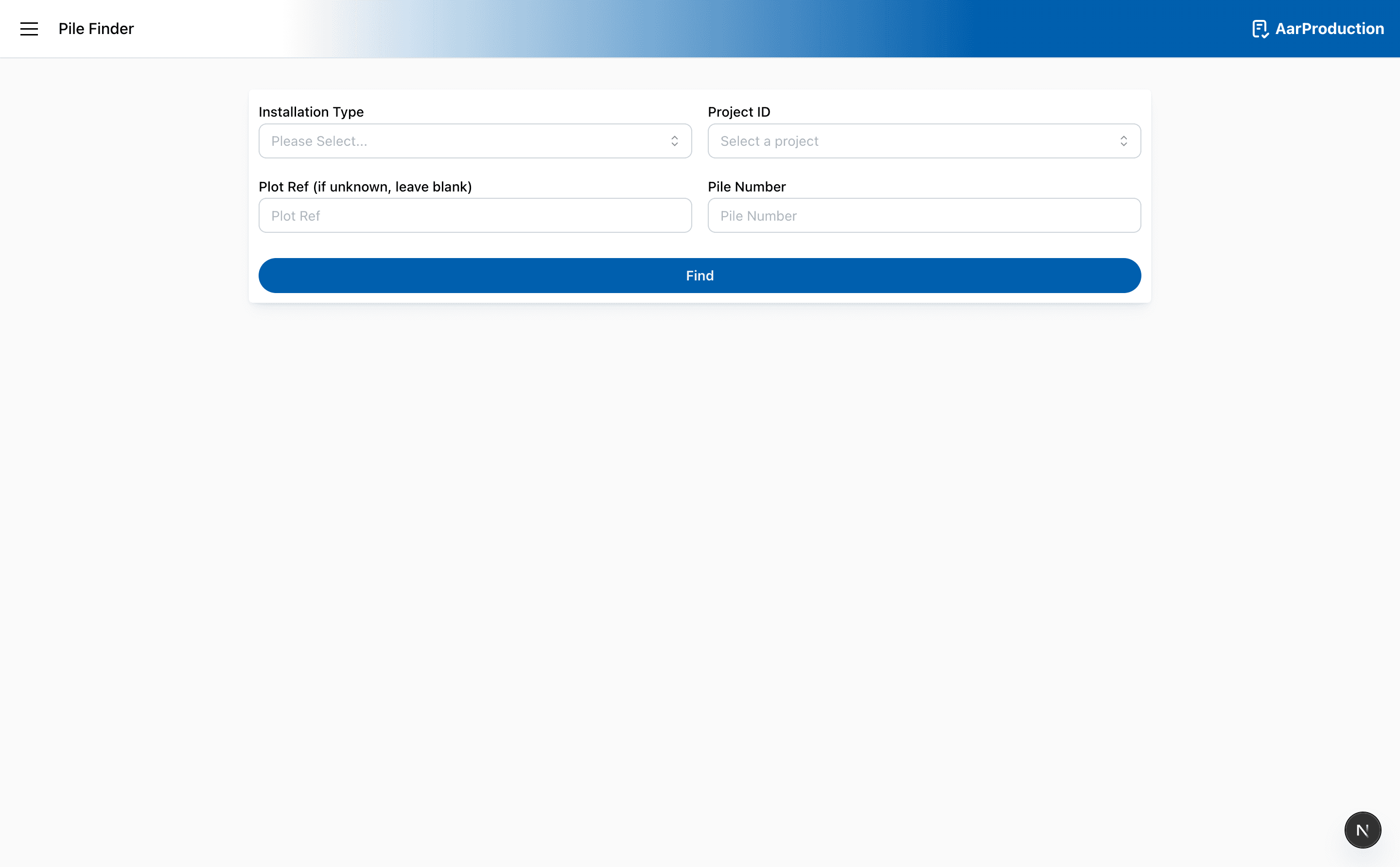
Pile Finder
Use Pile Finder when you need to look up an existing pile rather than submit a new record.
How to search
- Choose the installation type.
- Enter the project ID.
- Add the pile number.
- Add the plot reference if you have it.
- Select Find.
How matching works
Pile Finder searches in this order:
- It loads piles for the selected installation type and project ID.
- If you entered a plot reference, it keeps only piles whose plot reference matches exactly after trimming spaces and ignoring case.
- It tries to find an exact pile-number match.
- If no exact match is found, it falls back to a fuzzy search and labels those results in the UI.
Exact pile-number matching
Exact matching is more forgiving than a character-for-character comparison.
Before comparing pile numbers, Pile Finder:
- trims leading and trailing spaces
- converts the value to lowercase
- strips out every character that is not a letter or number
That means values such as A-12, a 12, and A/12 are all treated as a12. This makes an exact match more likely to succeed when the stored pile number and the entered pile number use different separators or punctuation.
Fuzzy fallback
If there is no exact normalized match, Pile Finder runs a fuzzy search against the same normalized pile numbers.
The fuzzy search only returns piles that are within one edit of the entered pile number after character stripping. In practice, that means it allows:
- one missing character
- one extra character
- one substituted character
Fuzzy matches are sorted so the closest and best-ordered character matches appear first, and the page marks them as Fuzzy match. If you see the warning that no exact matches were found, every result shown came from this fallback search.
Results
- Matching piles appear in the results section below the search form
- Open each result to review the recorded values
Add the plot reference when you have it. It helps narrow the results and makes the correct pile easier to find.