DPC Record
Use the DPC Record page when you are recording driven pile installation work.
What to expect
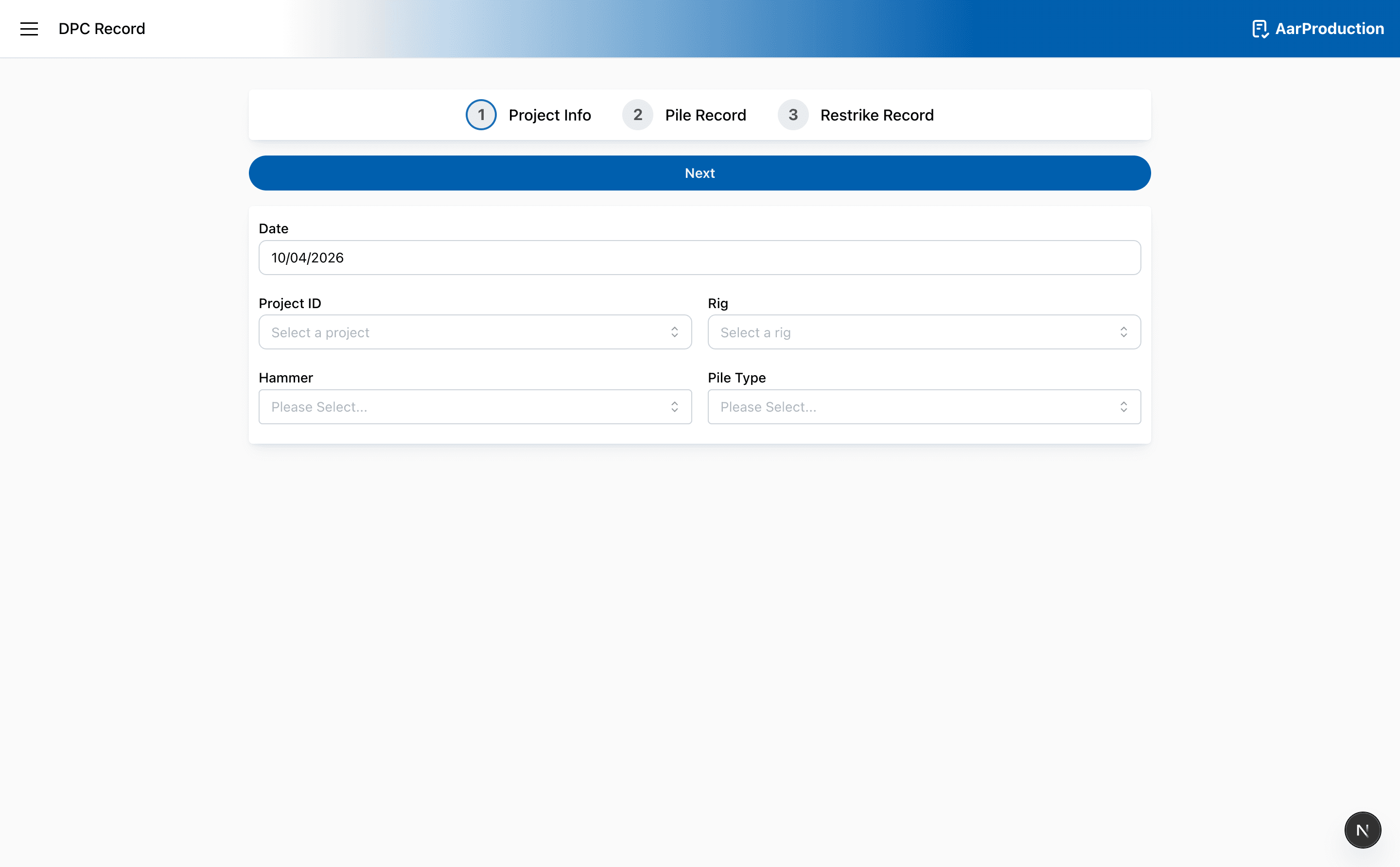
- The page starts with basic setup details such as date, project, rig, hammer, and pile type
- Later steps collect installed pile details and any follow-up items such as restrikes
- Saved or reopened records can return you to work already in progress
Before you submit
- Check the date, project, and rig carefully
- Review pile numbers before moving on
- Read any confirmation prompt before accepting it
Caution
Do not rush through confirmation prompts. They usually appear because the app has detected something that needs a second check.