AarProduction User Guide
This documentation explains how to use the AarProduction frontend as an end user. It focuses on the screens you see in the app and the actions you are expected to take.
What you will find here
- How to sign in and move around the app
- What each form is for
- How to use the inbox, quick links, and pile finder
- Where to look for release history
Start here
- Read Getting Started for the quickest path through the app.
- Use Account / Sign In if you need help reaching the app.
- Open the page guides in the sidebar for the form or screen you are using today.
Important
If you have any issue using AarProduction, contact IT Help at ithelp@aarsleff.co.uk or call 01636 615783.
Main areas
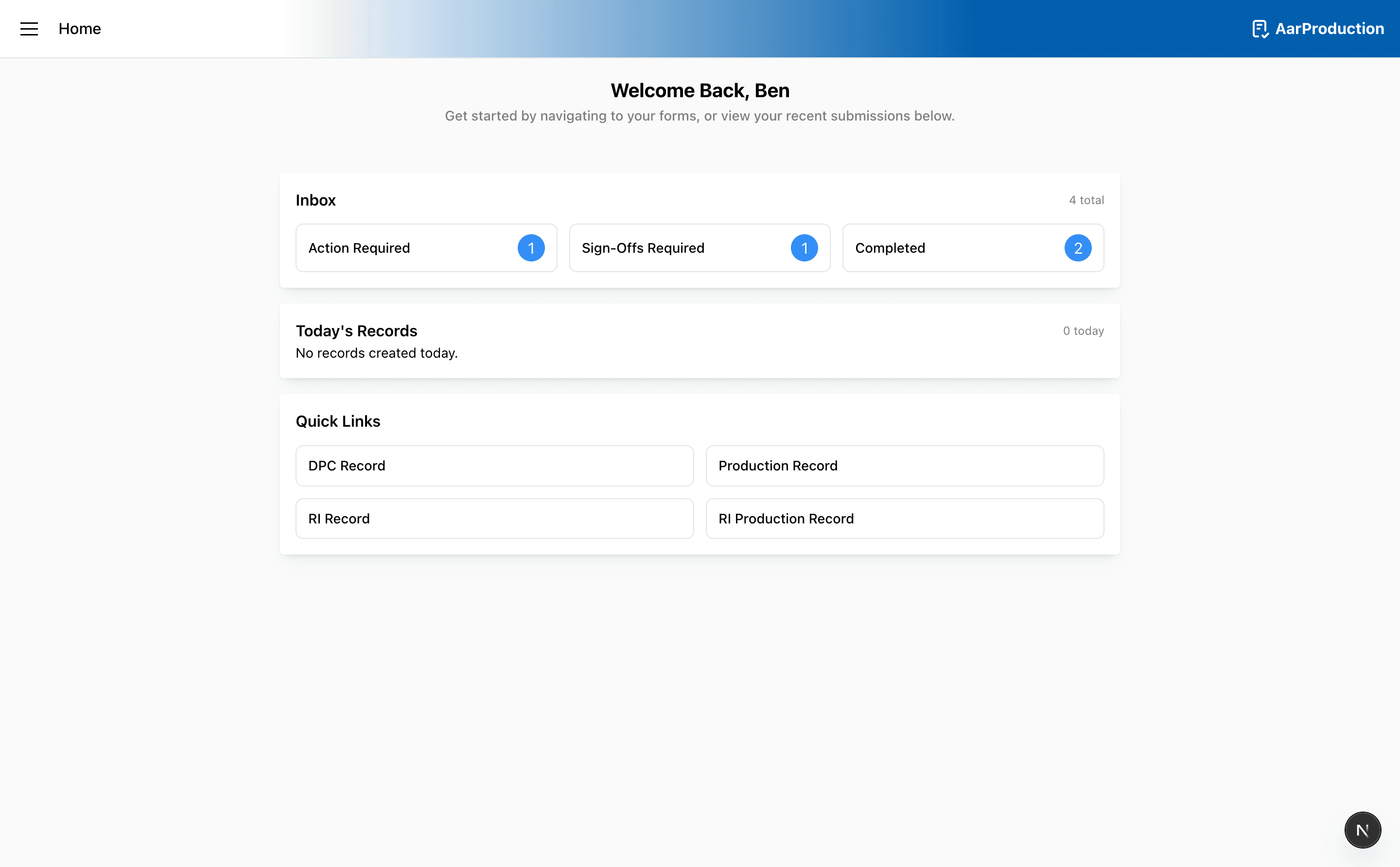
- Home for your dashboard and quick links
- Inbox for actions, sign-offs, and completed records
- Driven Forms for driven piling workflows
- RI Forms for rotary bored piling workflows
- Pile Finder for looking up previous pile information
- Release Notes for recent user-facing changes