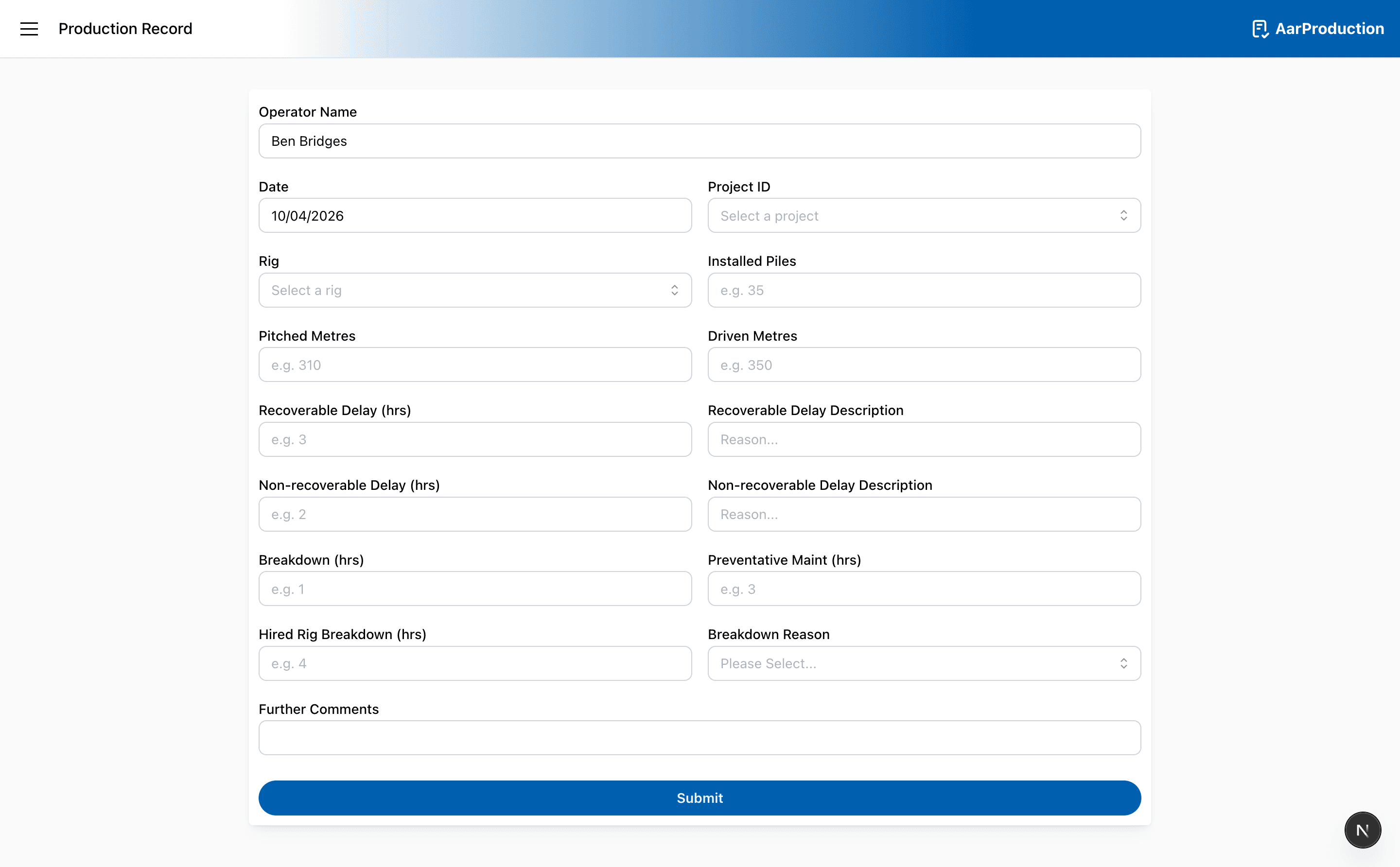
Production Record
Use the Production Record page to complete driven production entries.
Typical use
- Confirm the date, project, and rig.
- Fill in the production values requested on the page.
- Review any warnings about duplicate or unusual entries.
- Submit the record when everything looks correct.
Helpful reminders
- If the app offers to switch to an existing record, use that option instead of starting again
- Check the employee and project details before you submit
Important
If AarProduction offers to switch to an existing record, use it. That is the safest way to avoid duplicate entries.