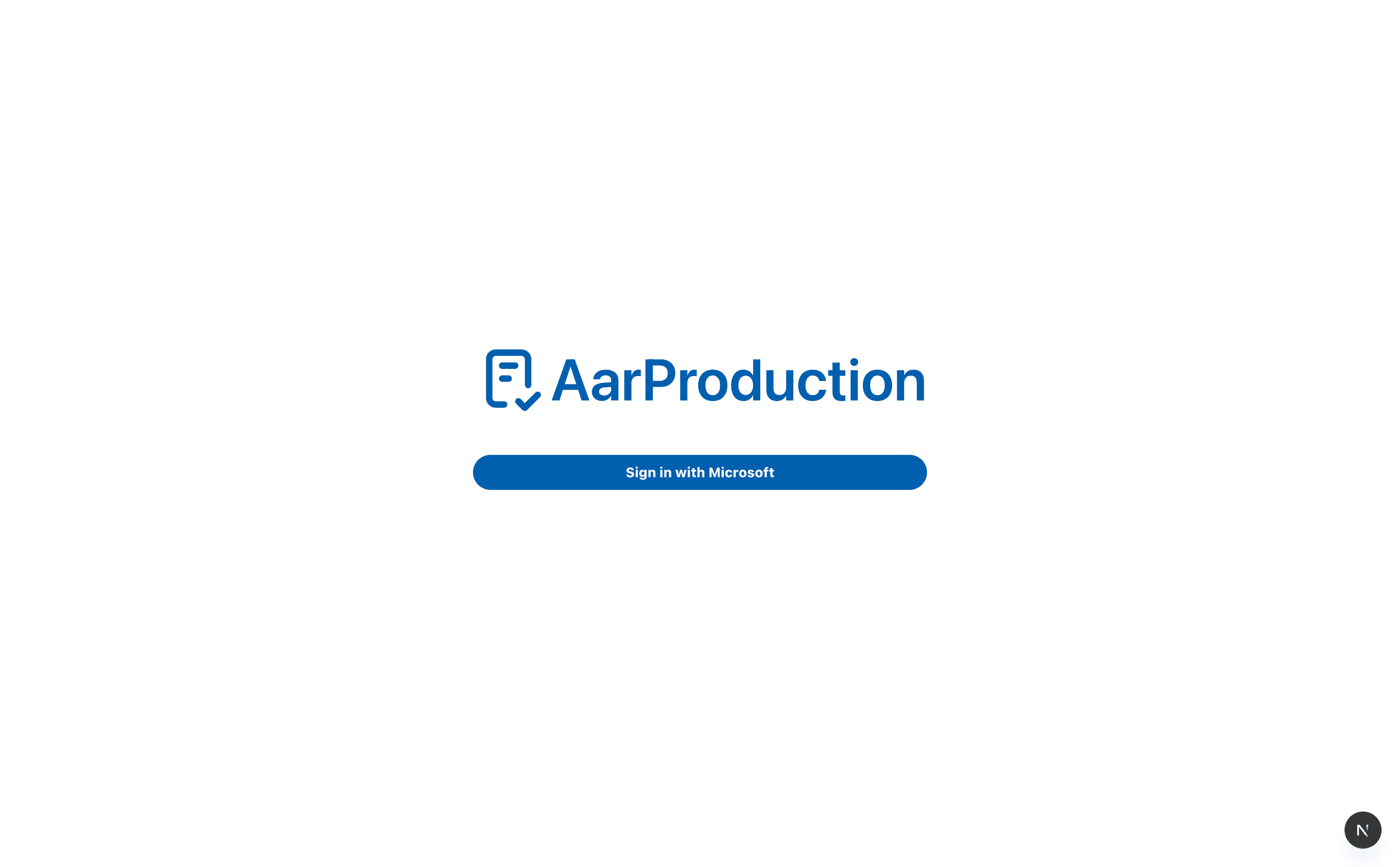
Sign In
Use the sign-in page to access AarProduction with your Aarsleff Microsoft account.
What to do
- Open the app on your work device or browse to aarprod-driven.aarsleff.co.uk .
- Select Sign in with Microsoft.
- Complete the Microsoft sign-in steps using your Aarsleff Microsoft account.
- Wait for the app to return you to the main dashboard.
Important
Sign in with your Aarsleff Microsoft account, not a personal account.
If you cannot get in
- Make sure you are using your Aarsleff Microsoft account.
- If the page keeps returning you to sign-in, close the browser tab and try again.
- If access still fails, contact IT Help at ithelp@aarsleff.co.uk or call 01636 615783.